Merge a Tank Tools
Lightweight planners that help you spend Cash on the right merges.
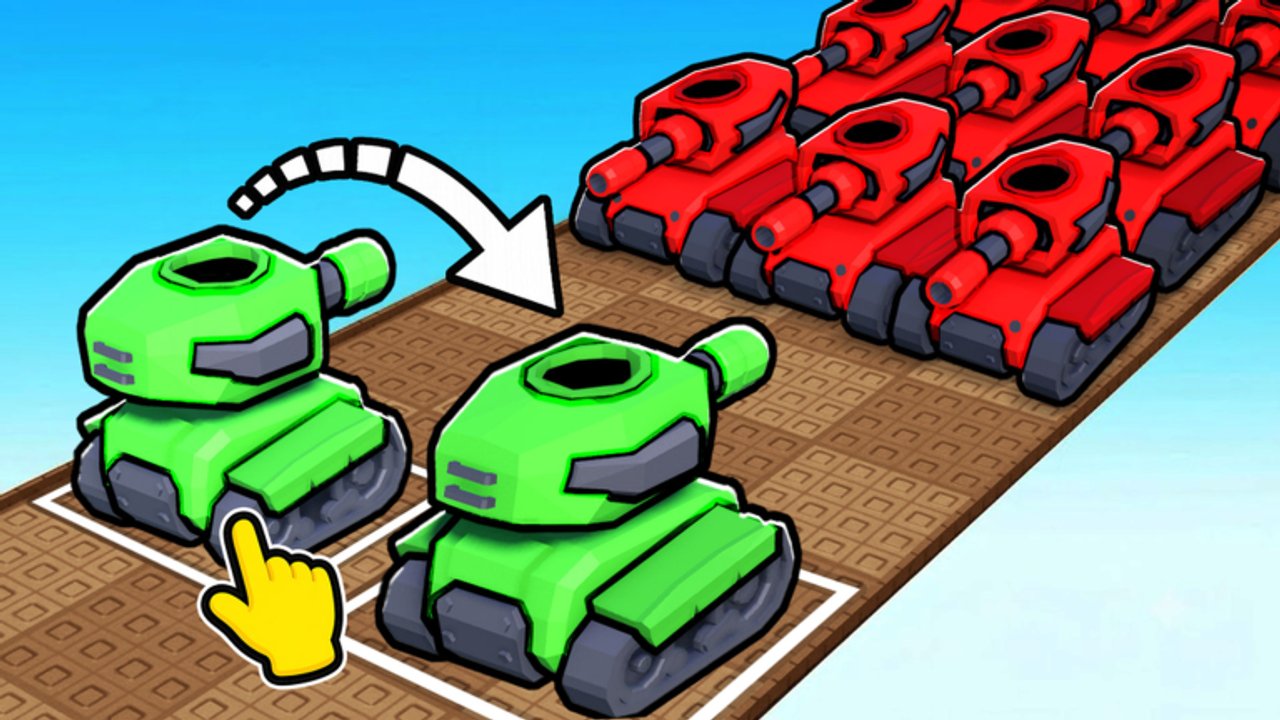
The Tools Hub collects interactive helpers for Merge a Tank players who want numbers beside the narrative guides. Habit Games experiences reward planning: potions, Premium’s +20% Cash, and merge tiers all change how far a session can push. Start with the cash and merge planner, then return to the guides to execute.
Available tool
Cash & Merge Planner — estimate a thirty-minute Cash projection from your current cash-per-minute, target merge tier, potion toggle, and Premium toggle. Use it before burning a potion or deciding whether another tier is realistic tonight.
How tools fit the wiki
Tools do not replace how to merge or earn cash fast. They quantify decisions those pages teach. After you trust the math, spend according to the best tanks list and protect idle gains with defenses.
Suggested workflow
- Redeem codes (Codes Hub).
- Note rough Cash gained over a few minutes of farming.
- Enter that rate into the planner.
- Toggle potion/Premium to see the swing.
- Commit to a merge target or a defense purchase.
- Execute with help from Getting Started if you are rusty.
What we will not build
We will not ship tools that require your Roblox password, cookie export, or executor injection. Those belong in the risk conversation on Scripts, not in a planner UI.
When numbers disagree with feel
If the planner says you can afford a tier but merges still stall, your pad is probably cluttered—reread how to merge. If the planner looks generous but offline is weak, fix defenses. Patch changes belong on Updates.
Extra reading
Open the planner next and run two scenarios: potion on vs potion off. The gap usually convinces people to stop wasting boosts in menus.
Why a tiny planner belongs on a wiki
Guides teach judgment; tools reduce arithmetic friction. Merge a Tank decisions are simple but easy to fudge when you are excited about a new tank thumbnail. Forcing the numbers onto a thirty-minute projection cools the impulse buy long enough for the tier list to matter.
We keep the toolset small on purpose. A bloated dashboard would violate the game’s own calm fantasy. One planner, well explained, beats ten half-broken widgets.
If you want more utility later—such as a defense spend checklist—it will live under this hub and link sideways to upgrade defenses rather than replacing that guide.
Why a planner belongs next to guides
Merge a Tank rewards intention. Players who guess potion timing waste the best Cash minutes of their week. Players who model a session first—even roughly—arrive on the pad with a shopping list. That is why the planner sits under Tools instead of being buried inside a single guide.
Walk through a sample night: redeem from the Codes Hub, measure five quiet minutes of farming, enter the rate, toggle potion and Premium, then decide whether the next merge on best tanks is realistic. If not, buy defenses and log off without guilt.
Tooling roadmap we will refuse
We will not add cookie stealers, “free Robux” widgets, or executor launchers. Anything that needs your password is malware marketing. Keep automation talk on Scripts and keep Tools boring on purpose.
Accessibility
The planner works with keyboard inputs and large touch targets. If you play Merge a Tank on a phone, open the tool in a browser tab before launching Roblox so you are not juggling both HUDs mid-potion. Control comfort tips live in controls.
Bookmark Guides Hub beside Tools so numbers always have a playbook.
Frequently Asked Questions
Quick answers players ask about Merge a Tank.
What tools does this wiki offer?
The Cash & Merge Planner estimates session Cash based on rate, merge tier, potion, and Premium toggles.
Are the planner numbers exact?
No. They are planning estimates. Enemy density and tank quality still change real results.
Do I need an account to use the tools?
No. Everything runs locally in your browser on this site.
Should I use tools or scripts?
Prefer tools plus guides. Scripts carry executor risk discussed on the Scripts Hub.